Binance Futures Order Types Explained (With Examples)
Complete guide to all Binance futures order types: market, limit, stop, trailing stop, and more. When and how to use each.

Order Types Overview
Binance futures offers several order types. Understanding each one is essential for effective trading.
1. Market Order
Fills immediately at the best available price.
- Use when: You need to enter/exit NOW
- Fee: Taker fee (0.05%, or 0.04% with referral)
- Downside: May get slippage on large orders
2. Limit Order
Fills only at your specified price or better.
- Use when: You want a specific entry/exit price
- Fee: Maker fee (0.02%, or 0.016% with referral)
- Downside: May never fill if price doesn’t reach your level
3. Stop Market Order
Triggers a market order when price reaches your stop price.
- Use for: Stop-losses
- How it works: Price hits stop → market order executes
- Downside: Slippage possible during volatile moves
4. Stop Limit Order
Triggers a limit order when price reaches your stop price.
- Use for: Stop-losses with price control
- How it works: Price hits stop → limit order placed at limit price
- Downside: May not fill if price moves through your limit
5. Take Profit Market/Limit
Same as stop orders but for profit-taking.
- TP Market: Guaranteed fill at market price
- TP Limit: Fill at your price or better
6. Trailing Stop Order
Moves your stop-loss as the price moves in your favor.
- Use for: Locking in profits while letting winners run
- Callback rate: The percentage of pullback that triggers the stop
- Example: 2% callback on a long → stop moves up as price rises, triggers if price drops 2% from peak
7. Post-Only Order
Only places maker orders. If the order would be a taker, it’s rejected.
- Use for: Ensuring you always pay maker fees
- Fee: Always maker fee (lowest)
Order Strategy for Beginners
- Entry: Limit order (lower fees)
- Stop-loss: Stop market (guaranteed fill)
- Take-profit: TP limit (save on fees)
Pro Tip: OCO Orders
OCO (One-Cancels-the-Other) lets you set both a take-profit and stop-loss simultaneously. When one triggers, the other is automatically cancelled.
Get 20% Off Binance Trading Fees with RATE20
New to Binance? Open the official signup page with RATE20 already applied for a 20% trading-fee discount. You do not need to copy or type the code. Review the referral details before completing registration.
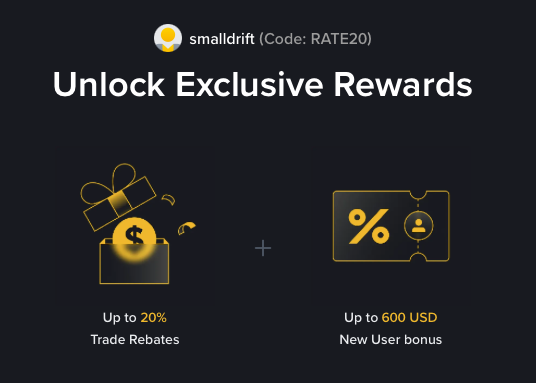
- Referral code: RATE20, pre-applied by this link
- Fee discount: 20%, shown on the Binance signup screen
- Additional rewards: Check Binance for current promotions and regional availability
Be wary of unofficial referral offers promising benefits they cannot show. The Binance signup screen lets you check the code and fee discount directly.
Compare Binance fees and available discounts →
SmallDrift may earn a commission when you sign up through this link. Trading involves risk, including loss of capital.
Related Articles
Explore Related Guides
Daily Crypto Market News
Follow Bitcoin price moves, major altcoins, and the events shaping the market.
Bitcoin ETF Flows Guide
Understand ETF inflows and outflows, and how to read them alongside price action.
Binance Fee Calculator
Learn how to estimate trading costs with referral and BNB discounts.
Verified Binance Referral Guide
See how RATE20 is applied and what to check on the Binance signup screen.